Xangle Store
Xangle Camera Server Starter
Xangle Camera Server Starter
Couldn't load pickup availability
Multi-camera software for bullet-time, photogrammetry, and Gaussian Splat capture
XangleCS Starter is multi-camera software for creating bullet-time sequences and capturing images for photogrammetry and Gaussian Splats. Build a bullet-time photobooth, trigger supported cameras, calibrate their views, and stabilize the resulting sequence. For photogrammetry and Gaussian Splat capture, collect overlapping photographs of a subject from several angles.
Start with a compact camera array, adjust the available camera settings, capture, and inspect the resulting images from your computer. Starter includes Cloud calibration and Gaussian Splat training. See the XangleCS feature overview and compare Starter, Basic, and Pro to choose the features and licensed camera capacity for your project.
No separate trigger-cable system required. No physical calibration bar required. Use the connections appropriate to your cameras, then calibrate from a suitable multi-camera capture.
Connect Canon, Sony, GoPro, iPhone, Android, and more
XangleCS works with supported Canon cameras, Sony cameras, GoPro cameras, iPhones, Android smartphones, Raspberry Pi cameras, and webcams. Start with the supported cameras list to check your intended models and connection requirements.
For a phone-based setup, read the dedicated iPhone multi-camera capture guide. Supported iPhones connect through Xangle Remote Camera over the same local Wi-Fi network as XangleCS, with the phone app open in the foreground. The guide explains compatible devices and the differences between native still photographs, recorded video, and Sync Frame capture.
Supported Android phones also connect through Xangle Remote Camera. See camera connectivity options before planning your network or buying equipment.
Use central camera settings, multi-camera autofocus, and live view where your cameras provide them. Available controls, recording formats, and capture timing vary by device and adapter.
Bullet-time software for synchronized multi-camera capture
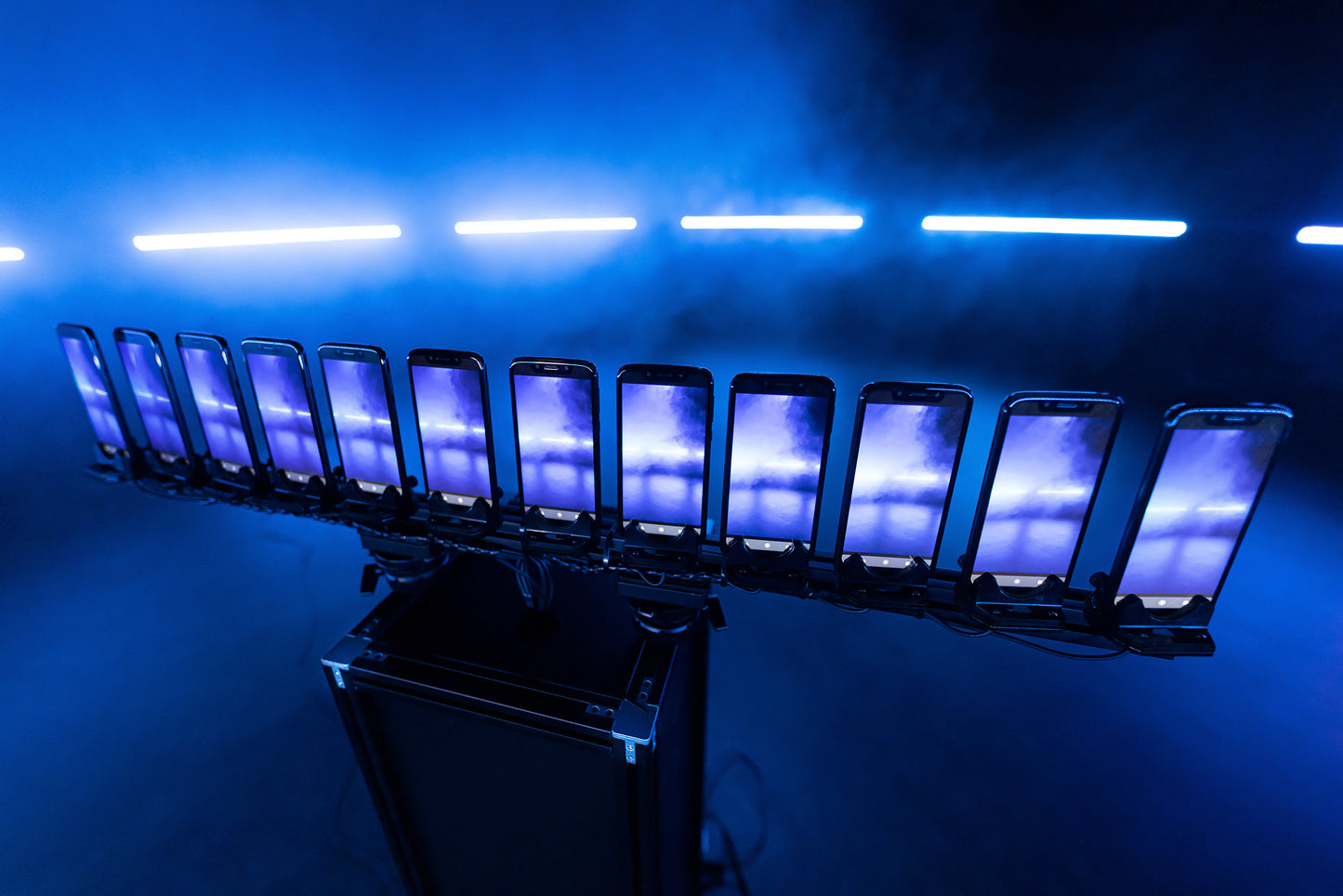
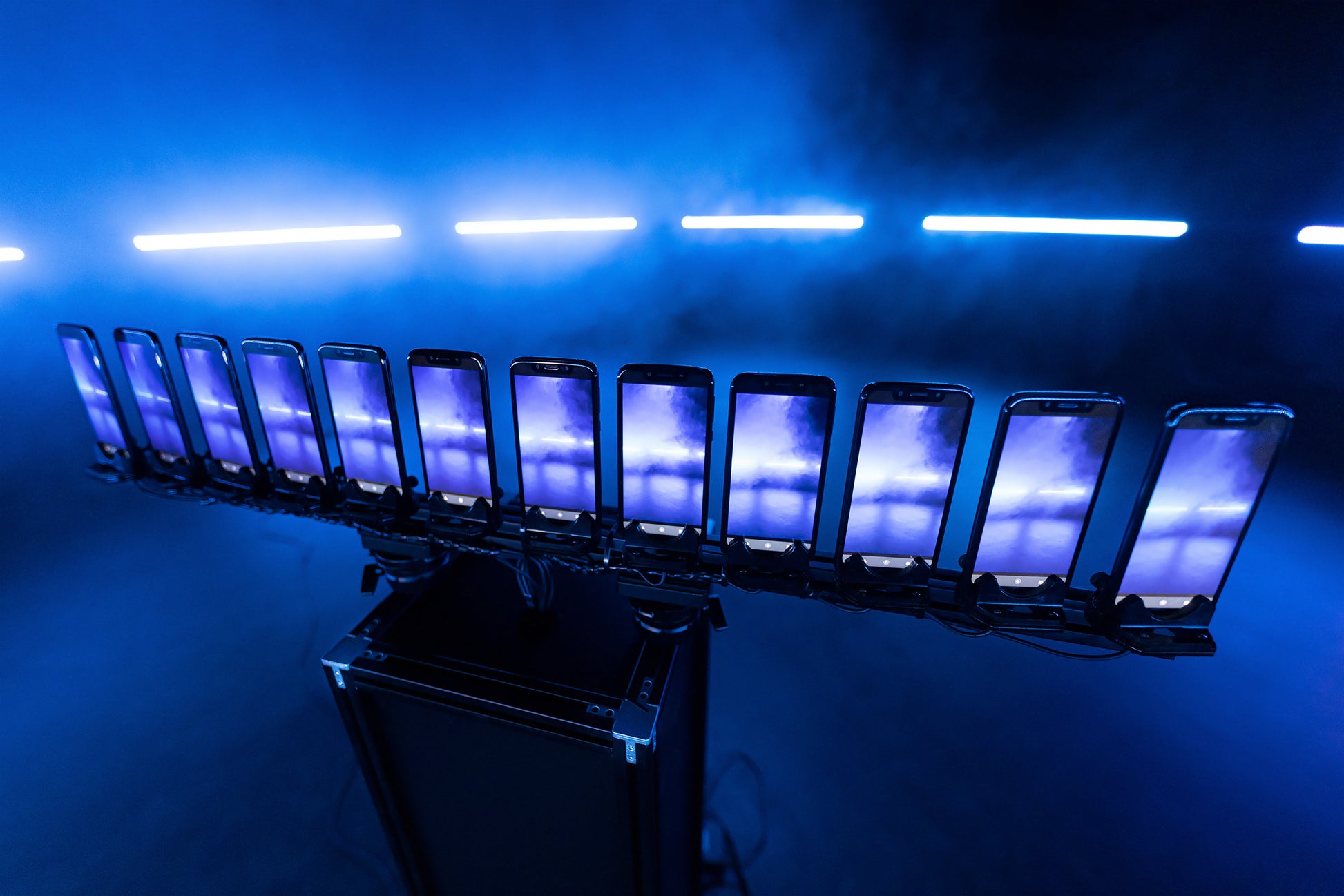
Starter includes desktop-controlled synchronized triggering. Arrange cameras around a subject for a bullet-time sequence, or capture overlapping views for a 3D project.
Review the images in the dataset library and frame inspector. Compare viewpoints, inspect focus, and check for missing images before processing. Video capture and burst capture are available on cameras that expose those modes.
For action photography, follow the camera-triggering documentation and test your actual cameras, exposure, and lighting. Software triggering does not make every camera model behave identically.
Calibrate the cameras without a calibration bar
Use camera calibration and stabilization to turn a suitable capture into a reusable calibration recipe. Aim and focus the cameras, photograph a still subject with visible detail, inspect the calibration, and apply the recipe to later captures while the camera setup stays unchanged.
Starter uses Cloud calibration. Image alignment and stabilization apply calibration data to prepare multi-camera image sequences for playback. You do not need a dedicated physical calibration bar, but accurate aiming, sharp photographs, and a valid recipe still matter.
Prepare source images for photogrammetry
In a photogrammetry studio, Starter covers the capture side: adjust supported camera controls, photograph a subject from overlapping viewpoints, and inspect the source images before reconstruction. Use the dataset library to check individual views for focus and missing images. Mesh reconstruction and external processing engines have their own requirements and licensing.
Create and animate Gaussian Splats
Create navigable 3D scenes from overlapping images with Gaussian Splat training. Starter sends training jobs to Xangle Cloud.
Open the trained scene in the Splat Player, design camera paths and keyframe animation, and prepare still-image or video exports.
Review, share, and choose your next step
Starter includes Quick View, QR-code sharing, and cloud uploads and sharing.
Choose Starter when core capture and cloud-based processing cover your needs. Choose Basic for media branding and photobooth operation, or Pro for local processing, advanced sequences, and integrations.
Your license includes Cloud Credits for cloud processing and sharing. See included credits and service rates for details.
Visit the XangleCS product page, Try XangleCS, and browse the full XangleCS documentation.